
Download CamStudio – Free Screen Recorder for Windows, Mac, Android & iOS
CamStudio is one of the most trusted and widely used screen recording software tools, ideal for creating professional product demos, IT tutorials, and online presentations. With a lightweight design and intuitive interface, this free screen recorder runs smoothly on most Windows systems and offers powerful features without draining system resources. Whether you're a teacher, developer, or content creator, CamStudio lets you capture high-quality AVI and SWF videos with ease.
Its built-in lossless codec ensures excellent video quality in compact file sizes, making it perfect for sharing or archiving. You can record your entire screen, a specific window, or a custom region, and enhance your recordings with annotations, time stamps, watermarks, and cursor effects. While the software is primarily designed for Windows, its compatibility with portable versions makes it accessible across multiple devices.
With customizable recording settings, keyboard shortcuts, and automatic start timers, CamStudio offers both beginners and advanced users a flexible recording experience. Download CamStudio today and start creating engaging video content effortlessly.
Why CamStudio Stands Out Among Screen Recorders
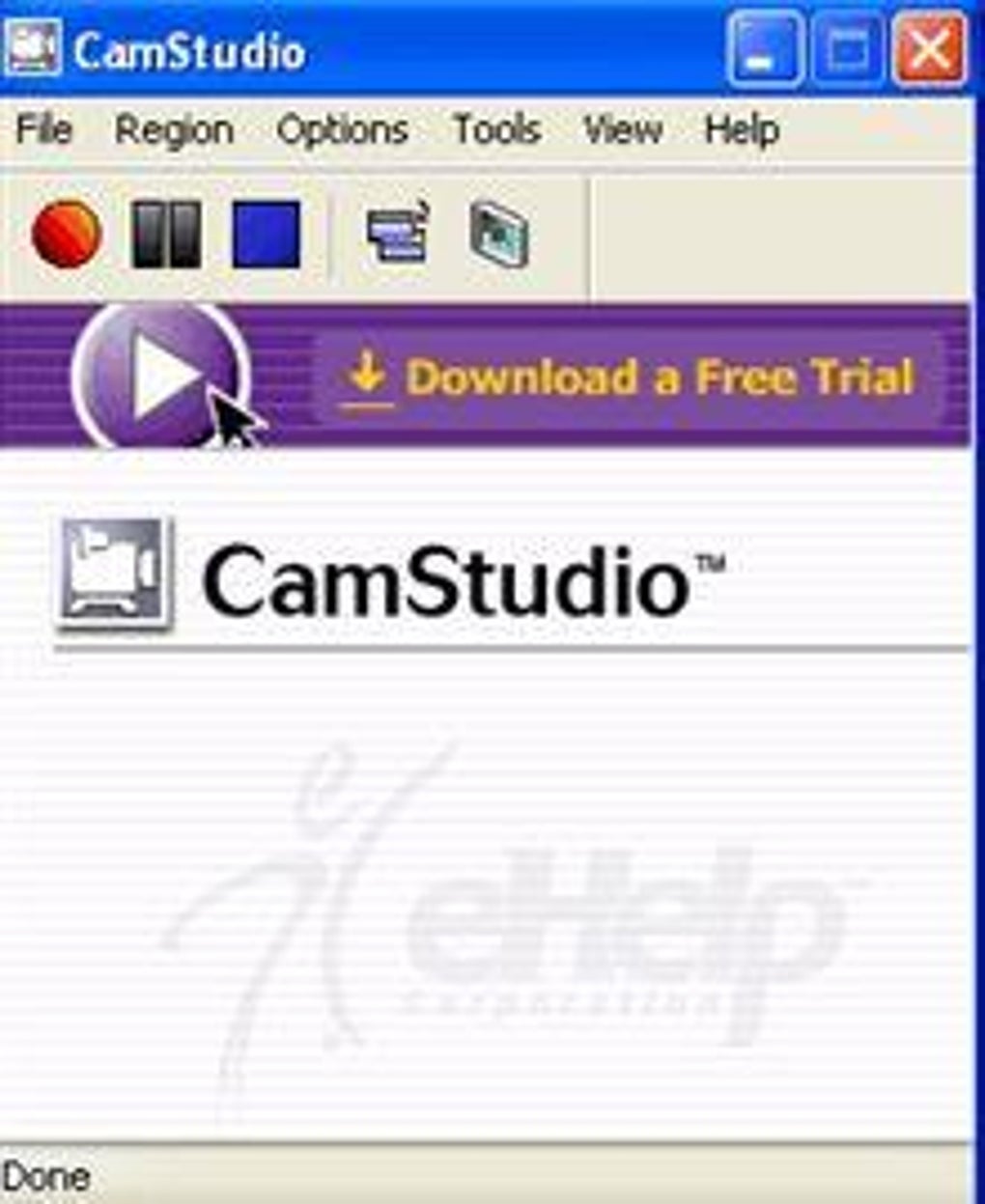
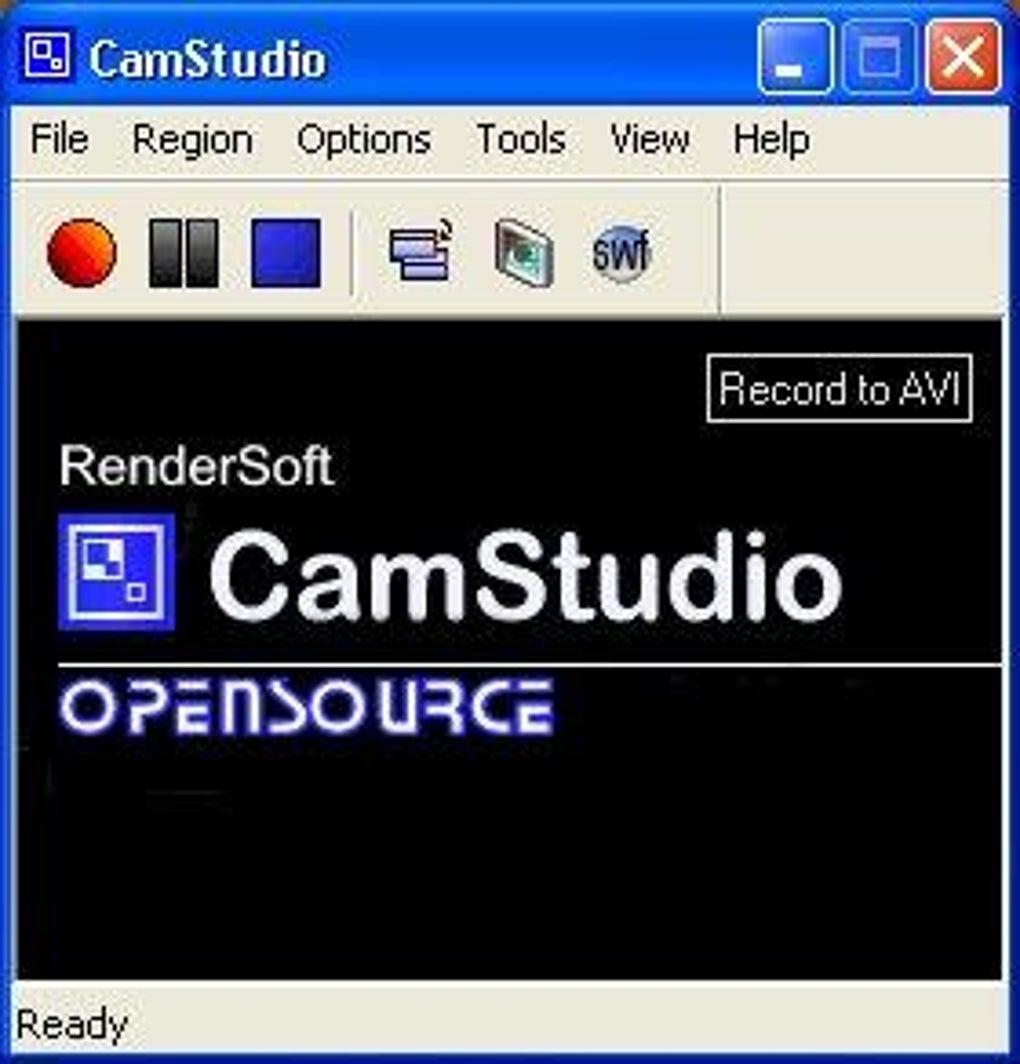
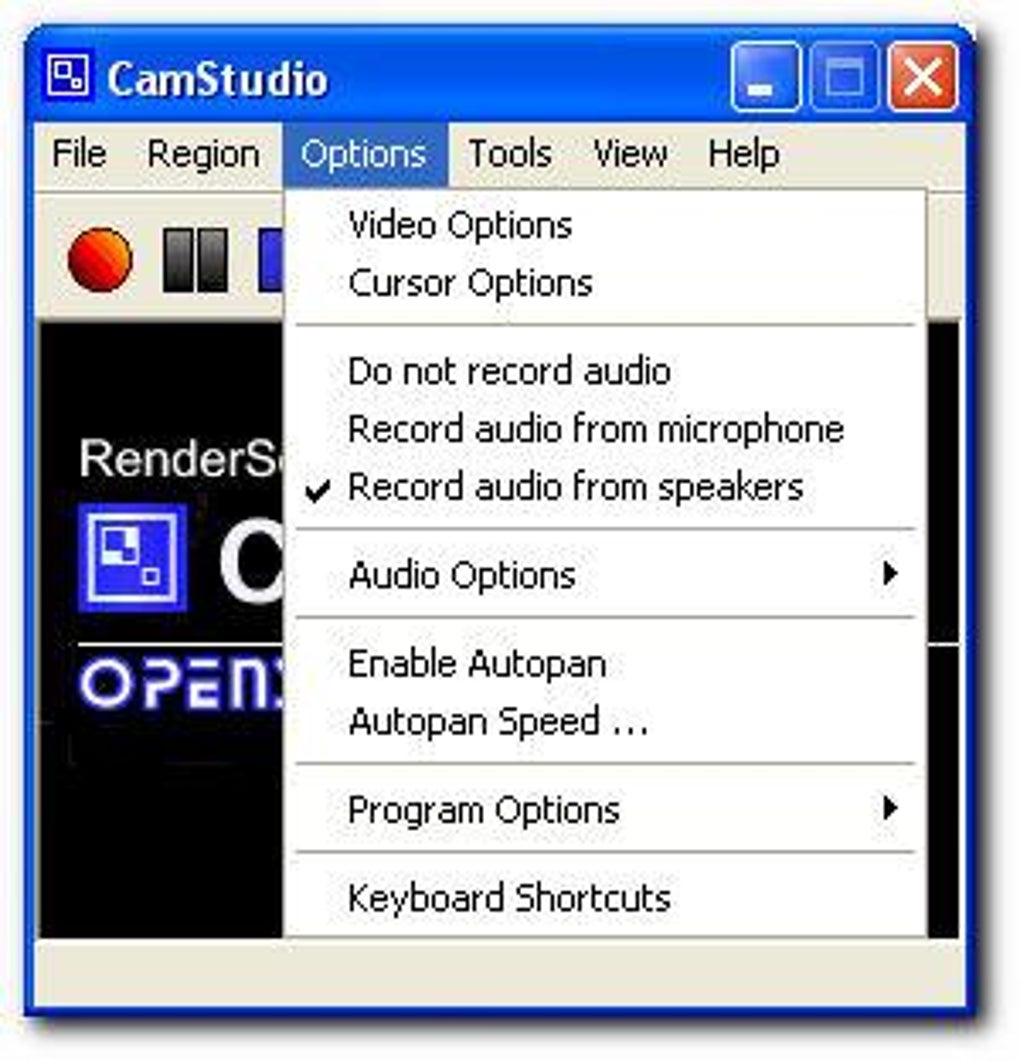
CamStudio has earned its reputation as a top-tier screen recording tool thanks to its balance of simplicity and functionality. Unlike many modern screen recorders that overwhelm users with complex menus and unnecessary features, CamStudio maintains a clean, minimal interface that’s accessible even to first-time users. The toolbar provides one-click access to essential functions: start, stop, pause, and toggle recording modes. This streamlined design ensures that you can begin capturing your screen in seconds, without getting bogged down in configuration. The ability to select specific recording areas—entire screen, a window, or a custom region—gives you full control over what gets recorded, which is especially useful for creating focused tutorials or product demos. One of CamStudio’s most valuable features is its built-in video editing toolkit. While not a full-fledged video editor, it offers essential enhancements like adding captions, system time stamps, Xnote time markers, and watermarks. These annotations help clarify your content and make your videos more professional. The software also supports cursor highlighting and visual feedback, which is crucial when demonstrating software navigation. For audio recording, users can choose between microphone input, system audio, or both, with options to fine-tune synchronization. The video settings allow you to adjust frame rate, compression, and time-lapse effects, giving you flexibility in balancing quality and file size. Even though CamStudio only outputs AVI files natively, its integrated converter enables seamless export to SWF format—ideal for web-based content. This makes it a versatile tool for educators, developers, and digital marketers who need to deliver polished, interactive videos.Easy Installation, Simple Usage, and Full Compatibility
Getting started with CamStudio is straightforward, whether you’re using a Windows PC or a portable version. The installation process is quick and requires no technical expertise. After downloading the software from the official site, simply run the installer and follow the on-screen prompts. Once installed, the application launches instantly, and you’re ready to record. The interface is divided into clear sections: recording mode selection, video/audio settings, and preview window. You can set a recording timer to start automatically, which is perfect for unattended demos or scheduled screen captures. For users who prefer keyboard shortcuts, CamStudio supports customizable hotkeys for all core functions, allowing for hands-free operation during long recordings. CamStudio is primarily designed for Microsoft Windows, supporting Windows 7 through Windows 11. However, portable versions are available, making it compatible with older systems and removable drives. While native support for Mac, Android, and iOS is limited, the portable version can be run on any Windows-based device, including tablets and laptops. This flexibility makes CamStudio a reliable choice for users who work across multiple machines. The software runs efficiently even on low-end hardware, thanks to its lightweight architecture and minimal resource usage. It doesn’t slow down your system during recording, ensuring smooth performance whether you're capturing gameplay, software walkthroughs, or live webinars. With regular updates and a strong community forum, CamStudio continues to evolve while maintaining its core promise: a free, secure, and powerful screen recording tool.Pros, Cons, and Frequently Asked Questions
- Pros:
- Free and open-source software with no hidden costs
- Lightweight and runs smoothly on older hardware
- Simple, intuitive interface for beginners
- Supports AVI and SWF output formats with built-in converter
- Includes basic video editing tools: captions, time stamps, watermarks
- Customizable recording areas and cursor effects
- Low system resource usage during recording
- Portable version available for USB drives
- Cons:
- Limited to AVI and SWF output formats (no MP4, MOV, etc.)
- No built-in help section or user guide
- Interface feels dated compared to modern screen recorders
- Requires external tools for advanced editing or format conversion
- Windows-only (no native Mac, iOS, or Android apps)
Frequently Asked Questions (FAQ)
-
Is CamStudio free to download and use?
Yes, CamStudio is completely free and open-source. You can download and use it without any cost or registration. It’s ideal for students, educators, and professionals who need a reliable screen recorder without paying for premium features.
-
Can I record audio with CamStudio?
Yes, CamStudio allows you to record both microphone input and system audio. You can choose which audio source to capture and adjust synchronization settings for a seamless audio-video experience.
-
Does CamStudio support MP4 or MOV file formats?
No, CamStudio only outputs AVI files natively. However, it includes a built-in converter to transform AVI files into SWF format. For MP4 or MOV, you’ll need to use a third-party converter like FFmpeg or HandBrake.
-
Can I use CamStudio on Mac or mobile devices?
CamStudio is designed for Windows only. However, a portable version is available that can be run from a USB drive on any Windows machine. There is no official Mac, iOS, or Android app, but alternatives like Apowersoft Screen Recorder offer cross-platform support.
-
How do I start recording with CamStudio?
Launch CamStudio, select your recording mode (entire screen, window, or custom region), adjust video/audio settings, and click the “Record” button. You can also use keyboard shortcuts or set a timer for automatic start.
Final Verdict: Is CamStudio Worth Your Time?
CamStudio remains a solid choice for anyone seeking a reliable, free screen recording tool. Despite its dated interface and limited output formats, its core strengths—lightweight performance, ease of use, and built-in editing features—make it a standout option for creating tutorials, software demos, and training videos. The fact that it’s open-source and regularly updated adds to its credibility. While newer tools like Apowersoft Screen Recorder or Snagit offer more modern interfaces and broader format support, CamStudio delivers exceptional value for users who prioritize functionality over flashy design. If you’re looking for a secure, free, and efficient screen recorder that works seamlessly on Windows systems, CamStudio is definitely worth downloading. Whether you're a teacher explaining concepts, a developer sharing bug reports, or a marketer showcasing product features, CamStudio empowers you to create professional-quality content with minimal effort.Ready to start recording? Download CamStudio today and unlock the power of screen capture—no cost, no hassle, just results.







